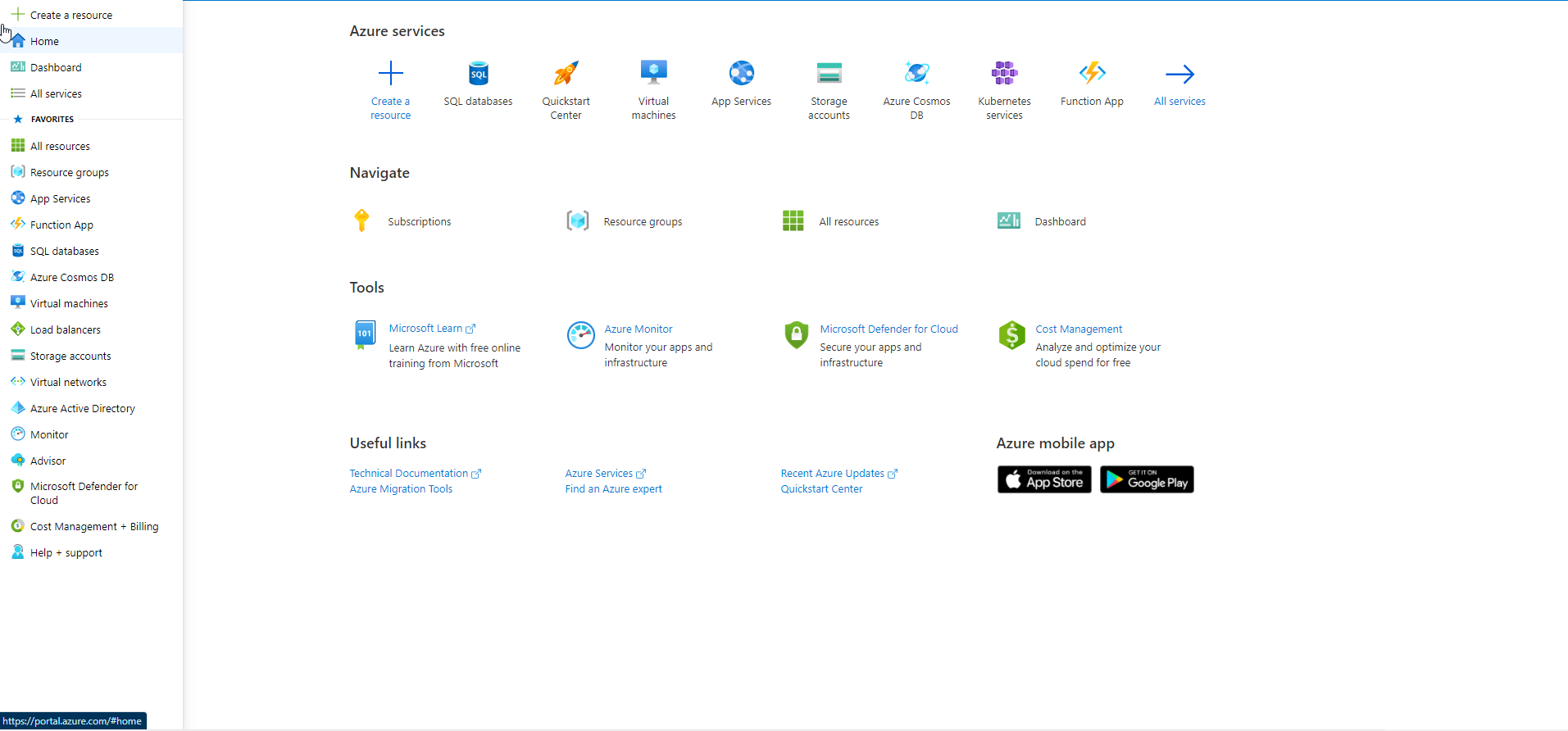
Create Azure Account
To use Azure services, you must first create an Azure account. You will need a valid credit card(This card is only used for identity verification) to create a free Azure account
Steps to create an Azure account
-
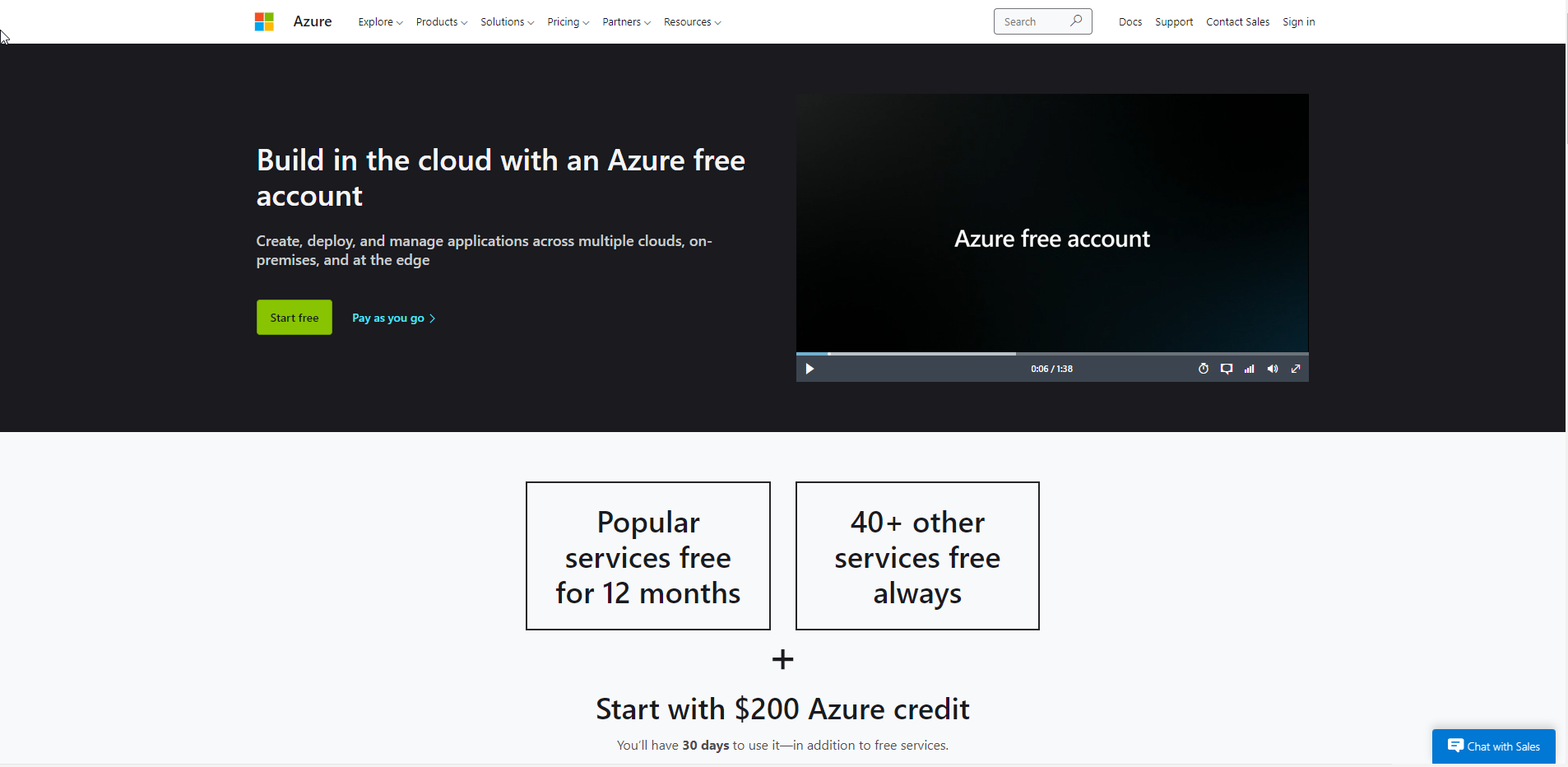
Go to Azure
-
Scroll down to learn more about the free service available.
-
Select Start free
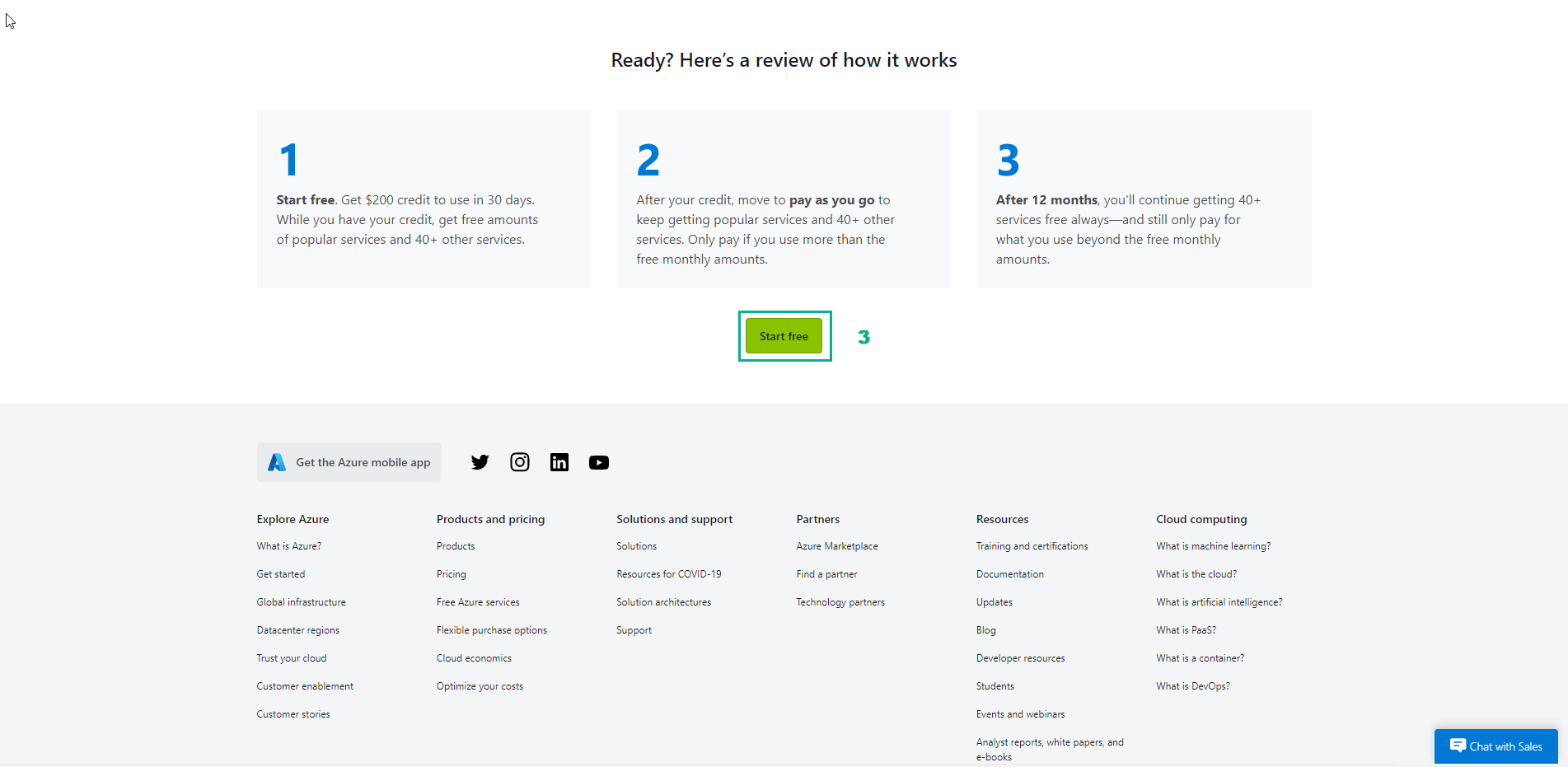
- Sign in with Microsoft account (if you don’t have one, you can create a free Microsoft account) or Github account.
- In the About you page, you select your exact country or region.
- Enter First and last name
- Enter your email address
- Enter your phone number
- Then, select Next
- On the screen Identity verification by phone
- Select country code
- Enter your phone number
- You have the option to text or call back to get the verification code
- Enter the code in Verification code and select Verify code
- If the verification code is correct, you will be asked to enter the details of a valid credit card
- Enter card information and select Next
- Check again and select Sign up